Elevating Your Stream: The 2026 Tech Stack
Streaming is no longer just plugging in a webcam and playing a game. It is a highly competitive broadcast production. To stand out, you need a tech stack that ensures high quality, high engagement, and smooth operations.
Here is an exhaustive, highly detailed breakdown of the essential tools you need to succeed as a modern streamer in 2026.
1. Broadcasting Software
OBS Studio (The Industry Standard)
Open Broadcaster Software (OBS) remains the undisputed king of streaming software. It is open-source, infinitely customizable, and uses the least amount of system resources.
- Plugins: The ecosystem is unmatched. You need
obs-websocketfor remote control,Move Transitionfor dynamic scene changes, andStreamFXfor advanced visual filters. - Audio Routing: OBS recently integrated native application audio capture, eliminating the desperate need for third-party virtual cables in basic setups.
Streamlabs Desktop
A fork of OBS designed for beginners. It integrates alerts and widgets directly into the client.
- Pros: Incredibly easy to set up. Great for your first 3 months of streaming.
- Cons: Heavier on system resources. Paywalls many advanced features behind "Streamlabs Prime."
2. Audio Management
Audio is more important than video. A viewer will watch a 720p stream with great audio, but they will instantly leave a 4K stream with terrible, peaking audio.
GoXLR / Elgato Wave Link
Hardware/software mixers are essential for routing different audio sources (Spotify, Discord, Game, Mic) to different outputs.
- You want your stream to hear the music, but maybe you don't want it in your VODs to avoid DMCA strikes.
- Using sub-mixes allows you to control exactly what the stream hears vs what your headphones hear.
VST Plugins
Virtual Studio Technology plugins plug directly into OBS to clean up your microphone.
- ReaFir (EQ): To cut out muddy low frequencies.
- ReaGate (Noise Gate): To ensure your mic only picks up audio when you speak, eliminating keyboard clacking.
- ReaComp (Compressor): To ensure your loud screams aren't too loud, and your whispers aren't too quiet.
3. Engagement and Chat Tools
SquadView
We have to mention the ultimate multistreaming engagement tool. If you collaborate, SquadView allows your community to watch everyone at once. It's the best way to ensure no one misses the action during big creator events.
Botisimo / Nightbot
Cloud-based chat bots.
- Nightbot: The classic. Great for basic spam filtering and simple timed commands.
- Botisimo: More advanced, offering cross-platform integration, loyalty points, and custom webhooks.
StreamElements
The superior choice for alerts and overlays. Because it is cloud-based, it uses virtually zero CPU power on your end (unlike older local solutions).
- Features incredible custom CSS/HTML capabilities for completely unique alert boxes.
4. Hardware Upgrades (The Tier List)
When you finally have budget to upgrade, what should you buy first?
- Microphone (Tier S): Upgrade from a headset mic to a dynamic USB/XLR mic (e.g., Shure MV7 or SM7B). Dynamic mics reject background noise better than condenser mics.
- Lighting (Tier A): A cheap webcam looks incredible with good lighting. An expensive DSLR looks terrible in the dark. Invest in key lights and fill lights.
- Webcam/Camera (Tier B): Upgrade from a C920 to a mirrorless camera (like the Sony A6000 series) with a dummy battery and a CamLink.
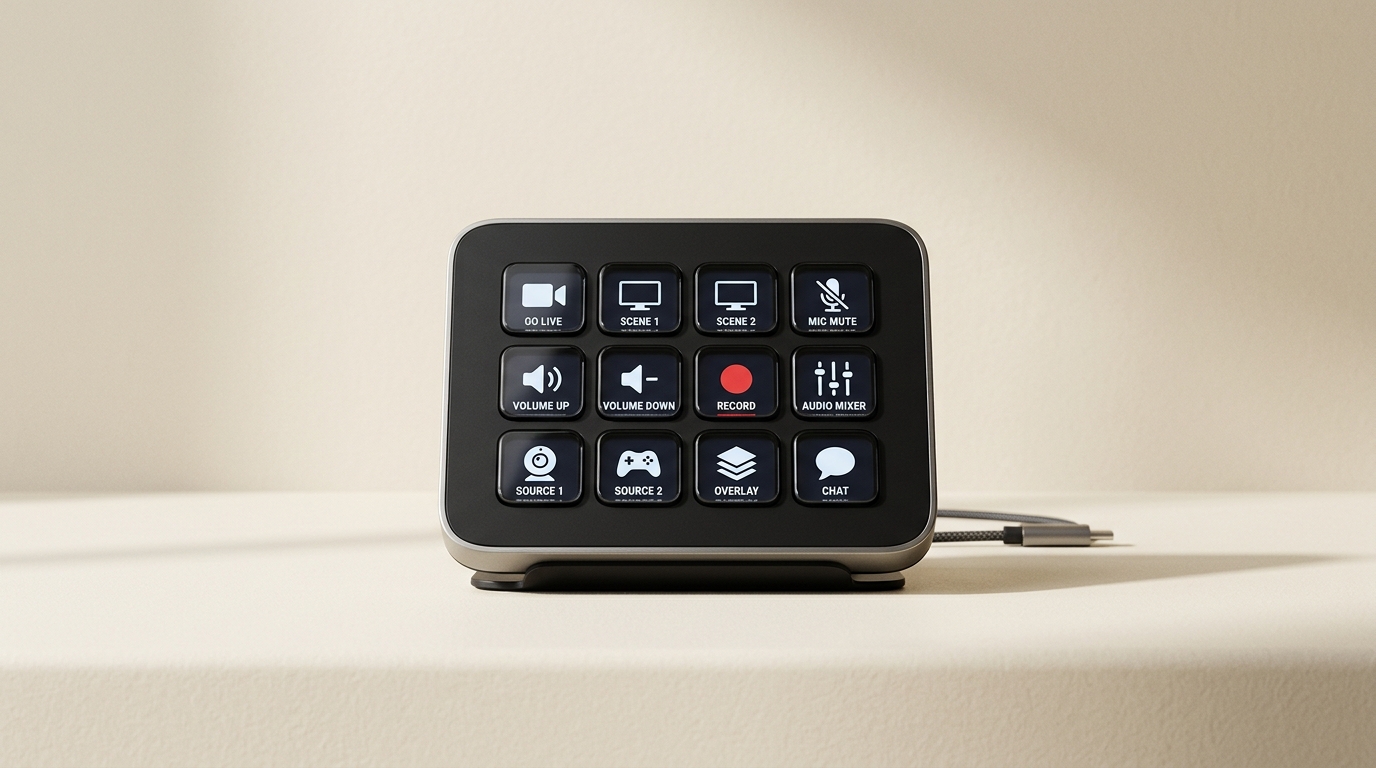
- Stream Deck (Tier B): Macro pads are incredible for switching scenes, muting mics, and triggering soundboards without alt-tabbing.
5. Analytics and Growth
SullyGnome
The ultimate Twitch analytics tracker. Use it to find out when your specific game category has the highest viewer-to-streamer ratio.
- The Golden Ratio: You want to stream when there are plenty of viewers, but not thousands of other streamers crowding the directory.
YouTube Studio Analytics
If you are pushing Shorts or VODs to grow your live stream, YouTube's retention graphs are your bible.
- Look for the exact second viewers click off your video, and adjust your editing style to bridge that gap in the future.
Conclusion
Building your broadcast stack is a journey, not a sprint. Start with OBS and a decent microphone. Master the basics of audio mixing, and slowly integrate tools that solve specific problems you encounter.
And remember, the most expensive camera in the world won't fix a boring stream. Keep your content engaging, and let the tools simply elevate what is already there.